
Beskrivning
Select custom mask for your Gutenberg image’s block or add a masked image anywhere via shortcode [wp-image-mask].
Shortcode attributes:
src– URL of the image;mask– URL of the mask;fit– how the mask should fit into the image.cover,contain(defaultcontain);alt– alt text for the image.
Skärmdumpar
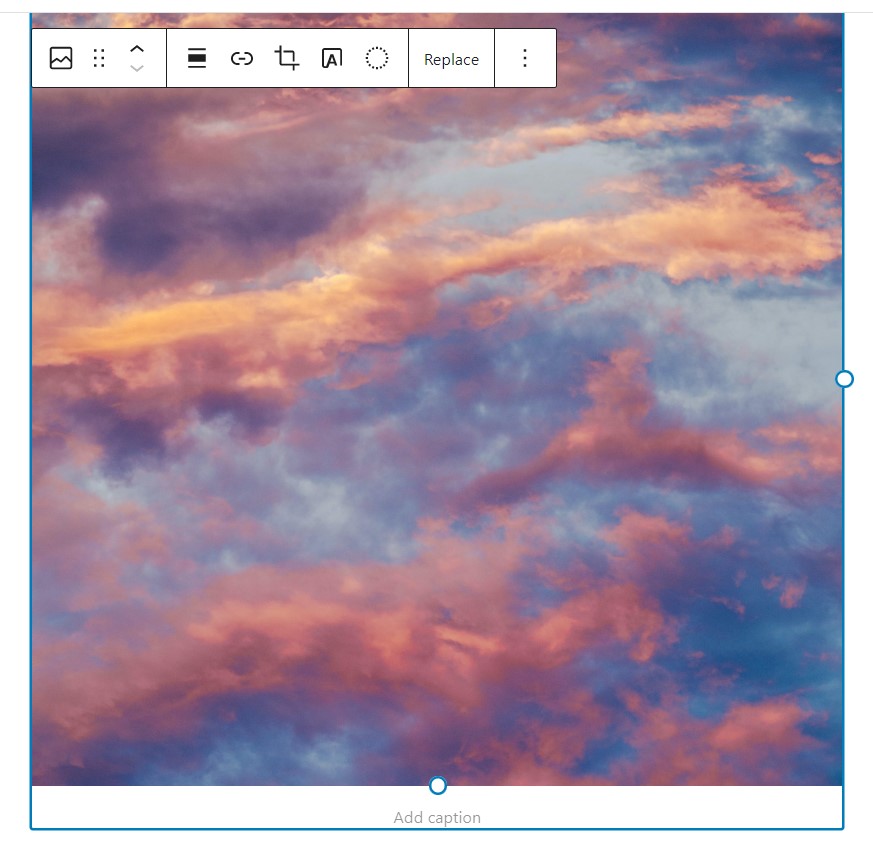
Select your image (or add a new one from Gutenberg blocks). 
Select type of image mask from the block's settings. 
If you choosed custom image - click on the Choose mask image button to upload your custom mask. 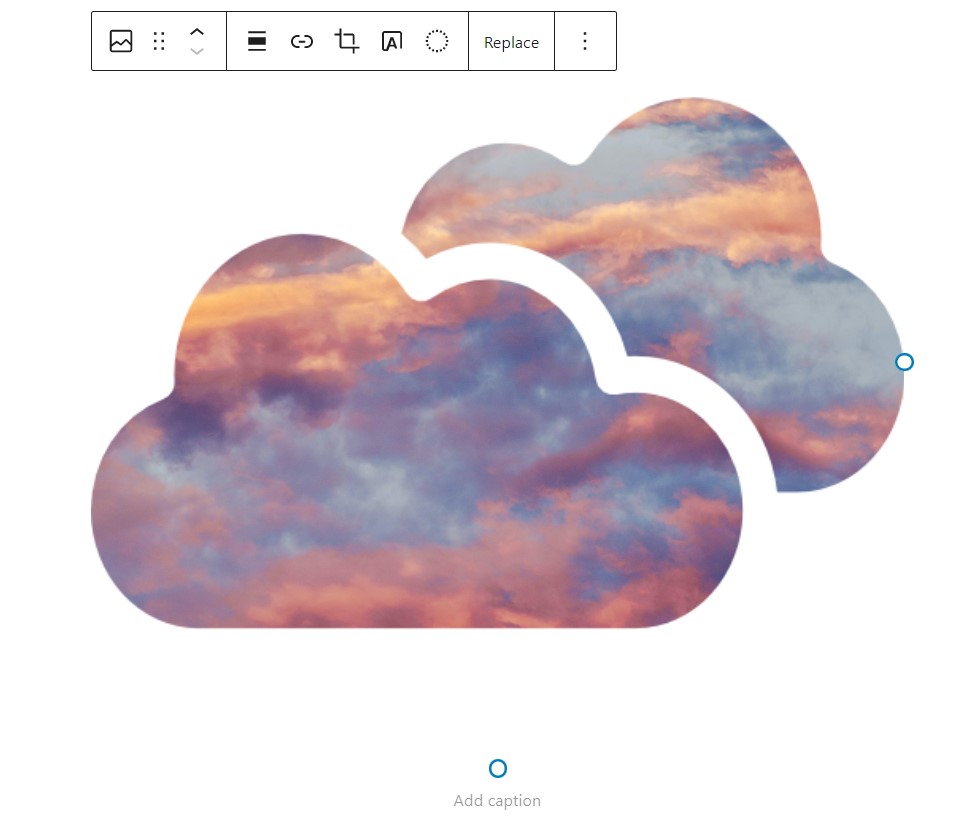
Once you have selected the mask - it will apply to your image. 
If you choosed SVG code - paste your SVG code in the textarea field. 
Once you have pasted the code - it will apply to your image. 
You can also apply image masks to gallery's images.
Block
Detta tillägg tillhandahåller 1 block.
- WP Image Mask
Installation
Upload the WP Image Mask plugin to your site, activate it and start using.
Vanliga frågor
-
Do I need to replace my images with some custom Gutenberg block to use image mask?
-
No, this plugin attaches to the native Gutenberg image block, so no need to replace your existing images.
-
Can I apply my custom image mask?
-
Sure! You can select a custom image mask file or paste SVG code of your image mask.
-
I don’t use Gutenberg – is there any way to add an image with mask?
-
Yes! You can use shortcode
[wp-image-mask src="https://url_of_your_image" mask="https://url_of_your_mask_image"].
Recensioner

Bidragsgivare och utvecklare
”WP Image Mask” är programvara med öppen källkod. Följande personer har bidragit till detta tillägg.
Bidragande personer
”WP Image Mask” har översatts till 3 språk. Tack till översättarna för deras bidrag.
Översätt ”WP Image Mask” till ditt språk.
Intresserad av programutveckling?
Läs programkoden, kika på SVN-filförvaret eller prenumerera på utvecklarloggen via RSS.
Ändringslogg
3.0
- Stable release.
- Add shortcode to apply image mask.
2.0
- Stable release.
- Fixed issues with applying custom mask to images.
- Add the ability to paste SVG code for image mask.
1.0
- First release.