

Beskrivning
Build high-performing Google Ads Performance Max (PMax) campaigns for your WooCommerce store in minutes.
The plugin uses AI to analyze your WooCommerce products and automatically generate campaign structure, asset groups, headlines, descriptions, search themes and audience signals. Review everything, make changes if needed, and publish directly to your own Google Ads account.
Perfect for:
- WooCommerce stores
- Google Shopping advertisers
- Ecommerce businesses
- Digital marketing agencies
- PPC specialists
- Store owners launching Google Ads for the first time
Key Features
- AI-generated Google Ads Performance Max campaigns
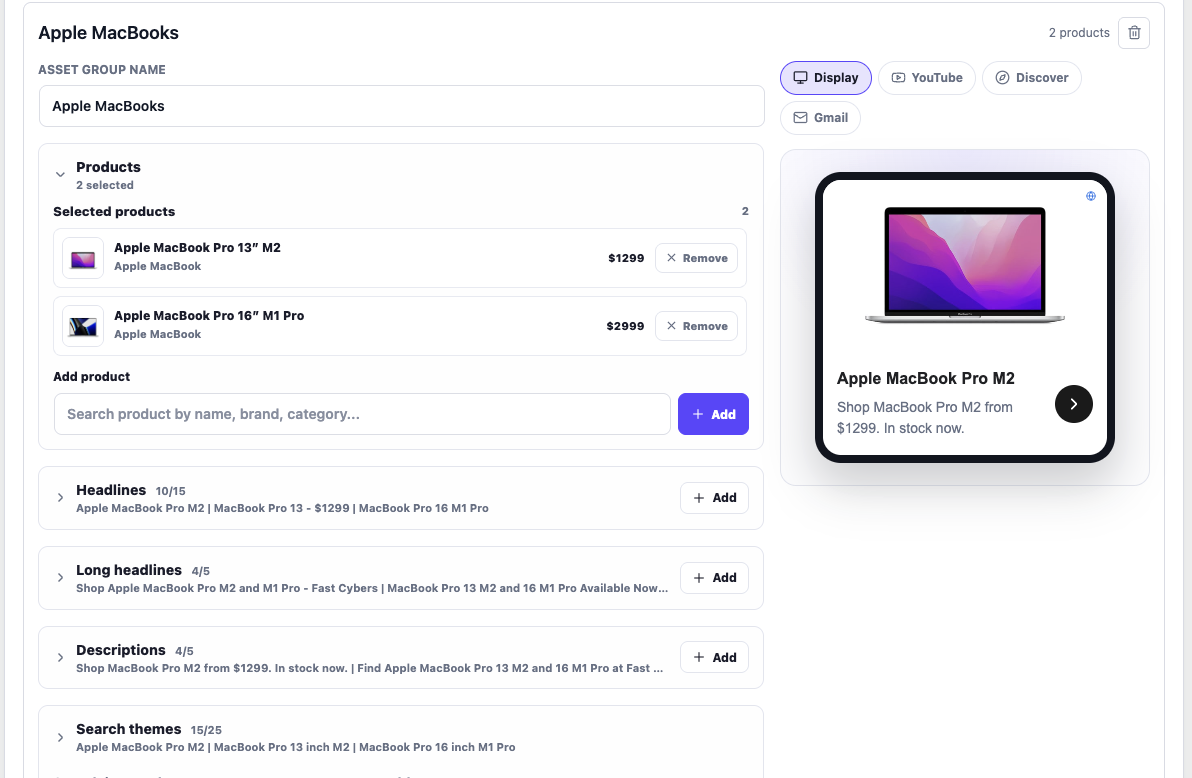
- AI-generated asset groups
- Google Shopping campaign creation
- Google Ads account connection
- Live ad previews
- Google Merchant Center integration
- Direct publishing to Google Ads
- Full campaign editing before publishing
How it Works
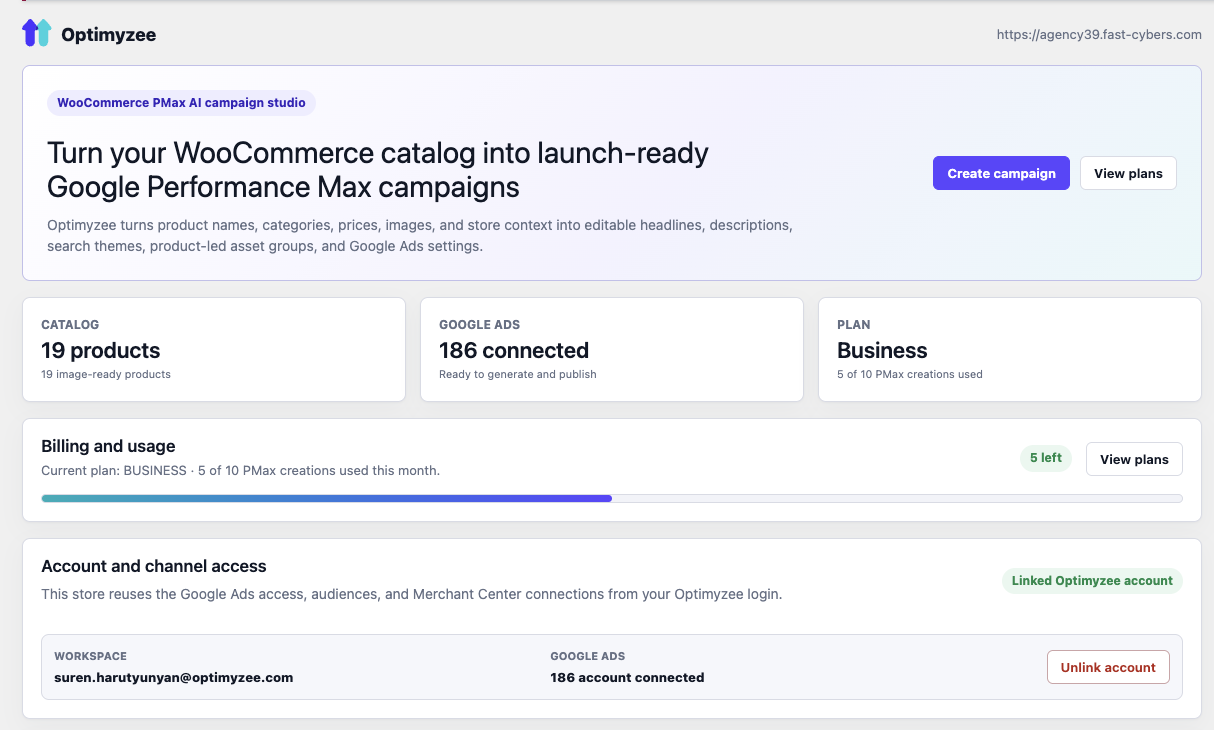
- Connect your WooCommerce store.
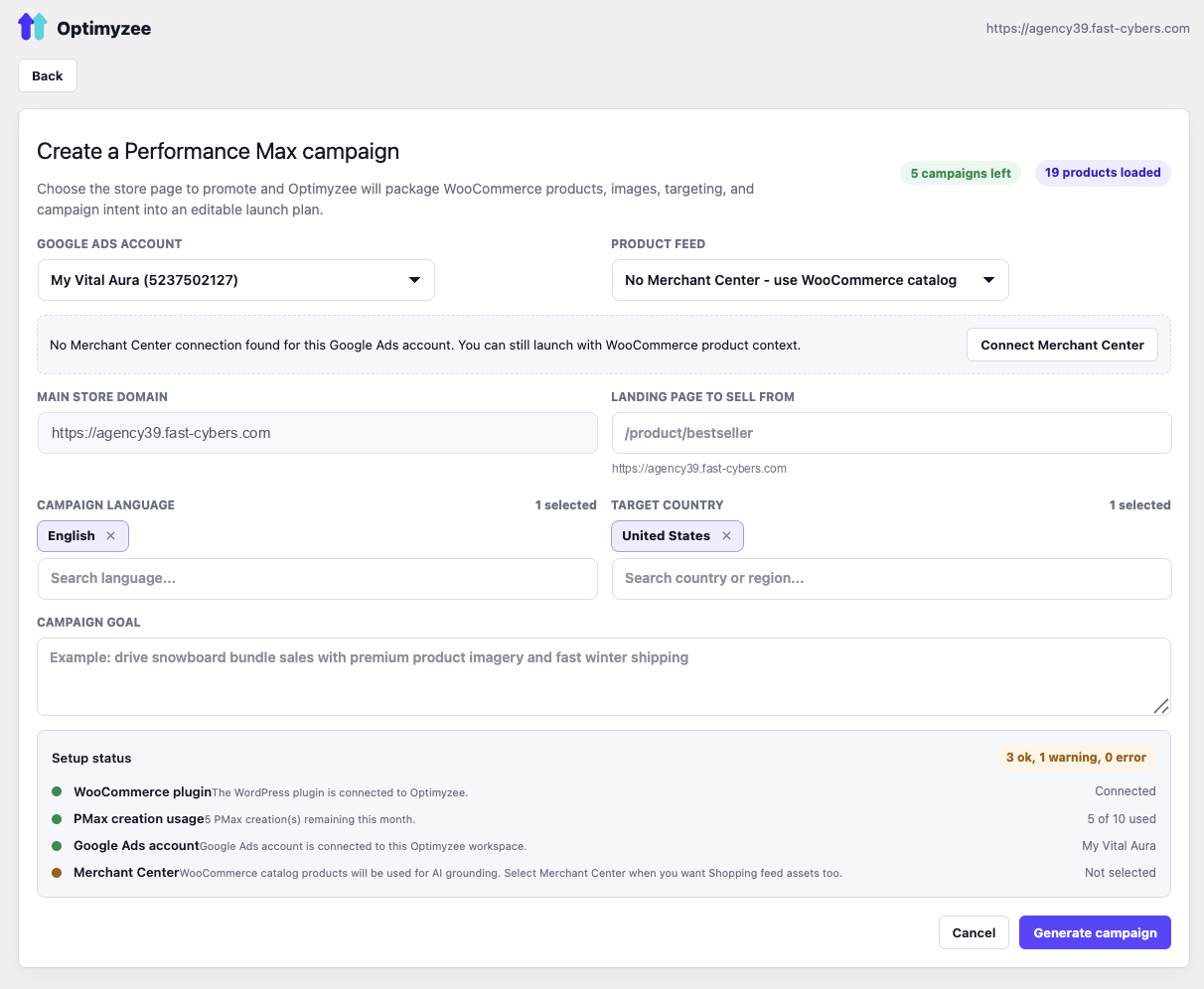
- Connect your Google Ads account.
- Connect your Google Merchant Center account.
- Select the products you want to advertise.
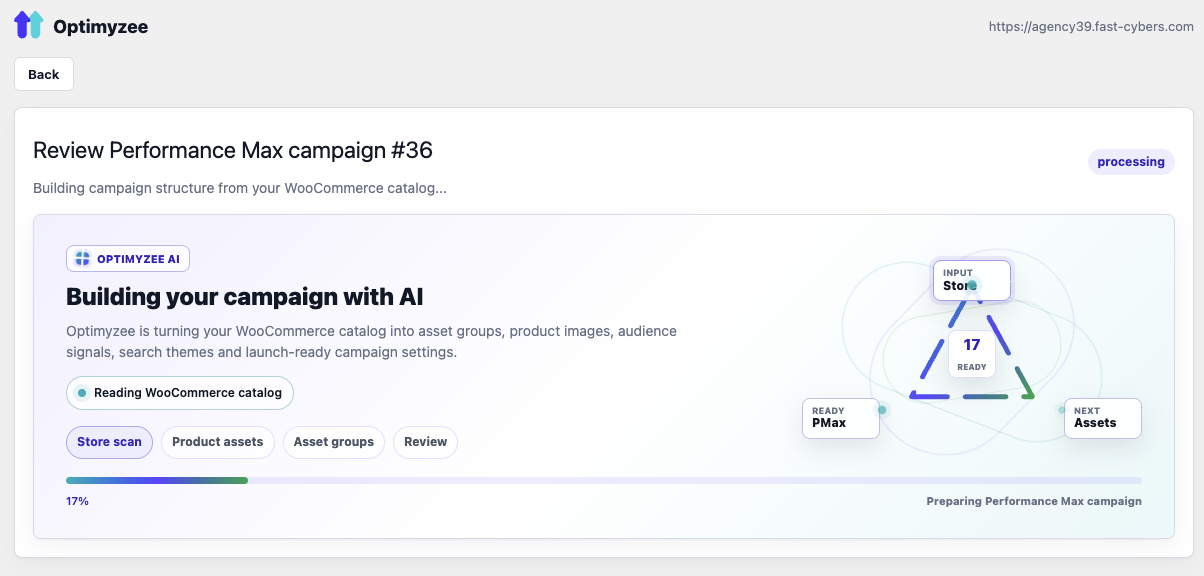
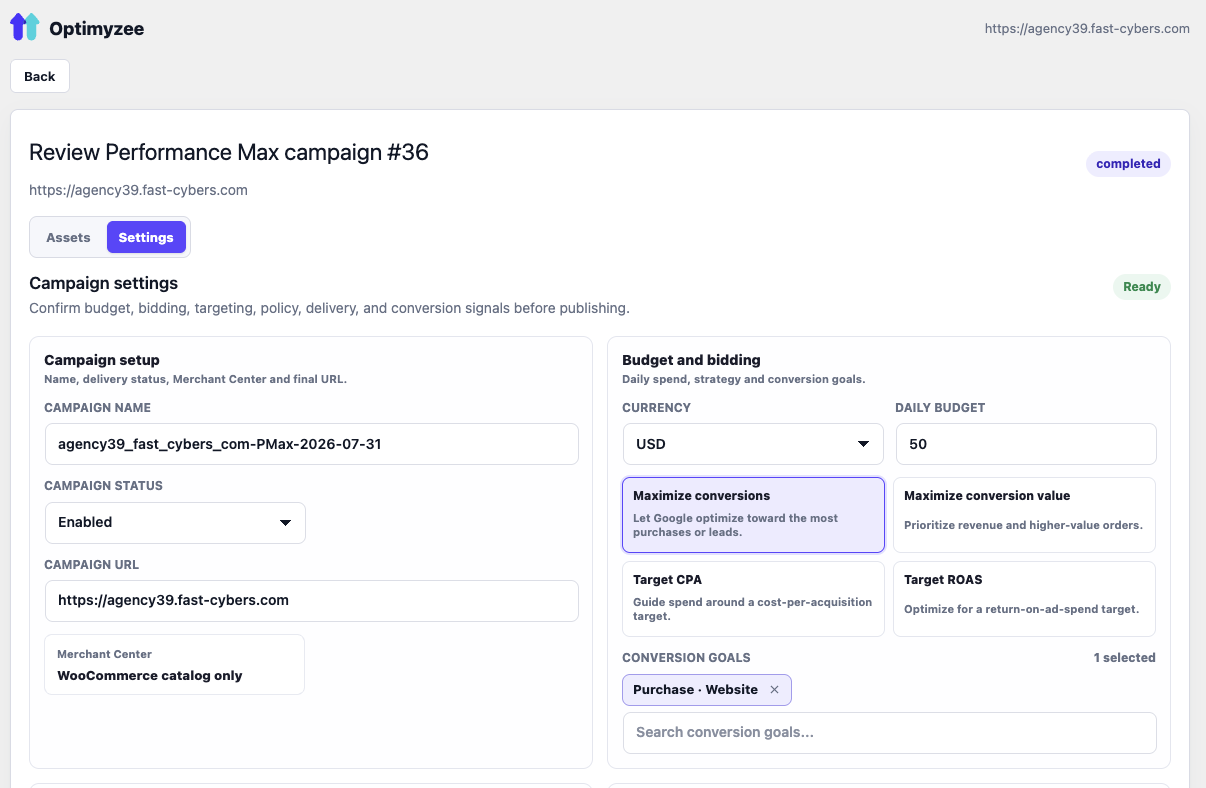
- AI generates a complete Performance Max campaign.
- Review and edit the campaign.
- Publish it to Google Ads.
Coming Soon
We’re actively expanding the plugin with new AI-powered optimization tools, including:
- Performance Max Shopping campaign optimization
- AI optimization recommendations
- Product performance analysis
- Search term optimization
- Budget optimization
- ROAS improvement suggestions
All optimization tools will work directly inside WooCommerce.
Powered by Optimyzee AI
The plugin is powered by the Optimyzee AI platform, helping ecommerce businesses and agencies create and optimize Google Ads campaigns faster with less manual work.
External services
This plugin connects to the Optimyzee SaaS API at https://api.optimyzee.com.
The service is used to:
- Connect the WooCommerce store to an Optimyzee account.
- Build AI-generated Google Performance Max campaign drafts.
- Connect Google Ads and Merchant Center accounts through Optimyzee.
- Publish reviewed campaign drafts to Google Ads.
When you use the plugin, the following data may be sent to Optimyzee:
- Store URL, site identifier and administrator email during the connect flow.
- WooCommerce product titles, descriptions, categories, brands, prices, availability, product URLs and image URLs.
- Campaign settings, selected products, uploaded image URLs and Google Ads account selections.
No customer order data or customer personally identifiable information is sent by this plugin.
Optimyzee terms: https://www.optimyzee.com/terms-of-service
Optimyzee privacy policy: https://www.optimyzee.com/policy
Some functionality requires an Optimyzee account and may require a paid Optimyzee subscription.
Source code
The admin app is built from the React source included in source/react.
The production bundle is included in assets/app.js and assets/app.css.
Build steps:
- Go to
source/react. - Install dependencies with
npm install. - Run
npm run build. - The build writes
app.jsandapp.cssinto the pluginassets/directory.
Skärmdumpar
Installation
- Upload the plugin to
/wp-content/plugins/optimyzee-for-woocommerceor install it from the Plugins screen. - Activate it (WooCommerce must be active).
- Open Optimyzee in the wp-admin sidebar and click Connect Optimyzee.
Vanliga frågor
-
Does this plugin work with WooCommerce?
-
Yes. The plugin is built specifically for WooCommerce and uses your store catalog to create Google Ads Performance Max (PMax) campaigns.
-
Do I need a Google Ads account?
-
Yes. You need your own Google Ads account to create and publish campaigns.
-
Do I need Google Merchant Center?
-
Google Merchant Center is optional for creating campaign drafts. However, if you want to advertise products in Google Shopping, you should connect a Merchant Center account.
-
Can I create Google Performance Max campaigns?
-
Yes. The plugin generates complete Google Ads Performance Max (PMax) campaigns, including asset groups, headlines, long headlines, descriptions, search themes and audience signals.
-
Can I edit the AI-generated campaign before publishing?
-
Yes. Every campaign can be reviewed and edited before it is published to Google Ads. You have full control over the generated assets and campaign settings.
-
Does the plugin publish campaigns directly to Google Ads?
-
Yes. Once you review the campaign, it can be published directly to your connected Google Ads account.
-
Is my product data used to generate ads?
-
Yes. The AI analyzes your WooCommerce product catalog, including titles, descriptions, categories, prices and images, to generate relevant Google Ads assets.
-
Is customer data sent to Optimyzee?
-
No. The plugin does not send customer orders or personally identifiable customer information (PII). Only the product and campaign data required to generate campaigns is processed.
-
Can agencies use this plugin?
-
Yes. Agencies can use the plugin to create Google Ads Performance Max campaigns for WooCommerce stores they manage.
-
Do I need an Optimyzee account?
-
Yes. The plugin connects to the Optimyzee platform to generate AI-powered campaigns and publish them to Google Ads.
-
Does the plugin optimize existing campaigns?
-
Campaign optimization is currently in development. The first release focuses on AI-powered creation of Google Ads Performance Max campaigns. AI optimization for existing Shopping Performance Max campaigns will be available in an upcoming update.
Recensioner

Bidragsgivare och utvecklare
”AI Google Ads & Performance Max for WooCommerce – Shopping Campaign Builder” är programvara med öppen källkod. Följande personer har bidragit till detta tillägg.
Bidragande personer
Intresserad av programutveckling?
Läs programkoden, kika på SVN-filförvaret eller prenumerera på utvecklarloggen via RSS.
Ändringslogg
0.1.0
- Initial scaffold: connection, catalogue bridge, admin page, backend proxy.