

Beskrivning
Insert Google Adsense into widget area and don´t worry about any settings. You can also insert a shortcode to your content and set ad format if you want.
Funktioner:
-
Google Ads widget allow multiple ads on the page
-
Shortcode to insert your ad to content
-
No settings needed, just insert your pub-id and show your ads.
Kortkod:
[google_ad data_ad_slot='' data_ad_format='auto']
data_ad_slot:
-you can specify which exact ad you want to display
data_ad_format:
-auto
-rectangle
-horizontal
-vertical
Skärmdumpar
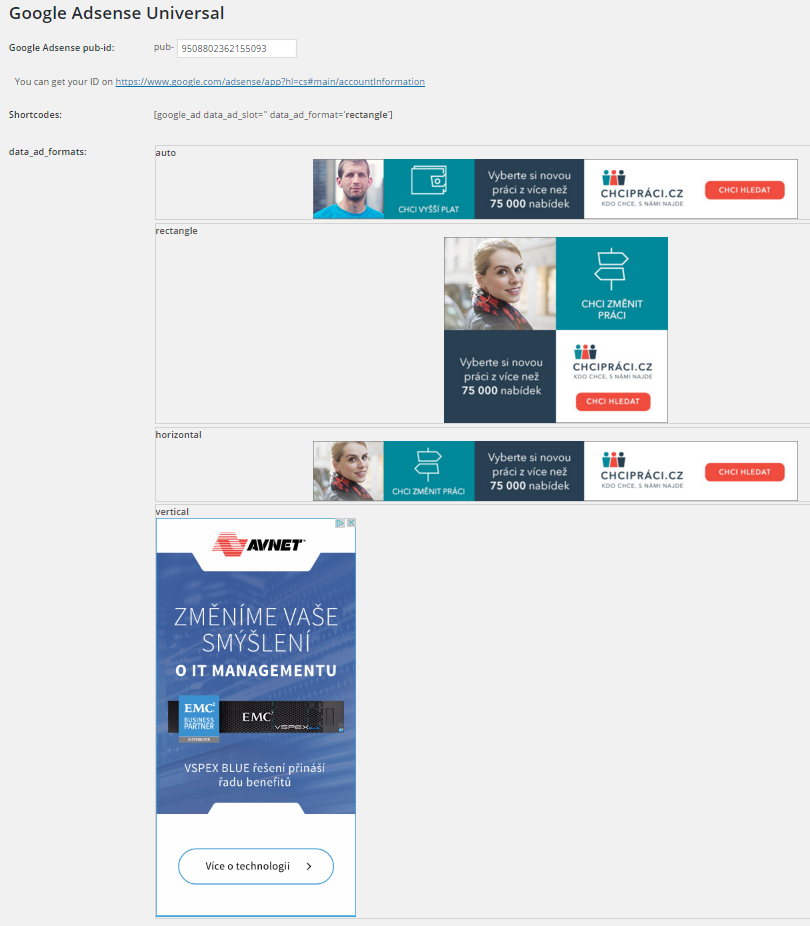
Ad formats
Installation
- Upload
google_ads_universalfolder to the/wp-content/plugins/directory - Activate the plugin through the ’Plugins’ menu in WordPress
- Go to settings and insert yout pub-id
Vanliga frågor
How can i set ads dimensions?
You can´t, Google will do it for you. This plugin do it for you as simple as possible.
Recensioner

Bidragsgivare och utvecklare
”Zedna Universal Ads” är programvara med öppen källkod. Följande personer har bidragit till detta tillägg.
Bidragande personer
Översätt ”Zedna Universal Ads” till ditt språk.
Intresserad av programutveckling?
Läs programkoden, kika på SVN-filförvaret eller prenumerera på utvecklarloggen via RSS.
Ändringslogg
1.0
- First version