

Beskrivning
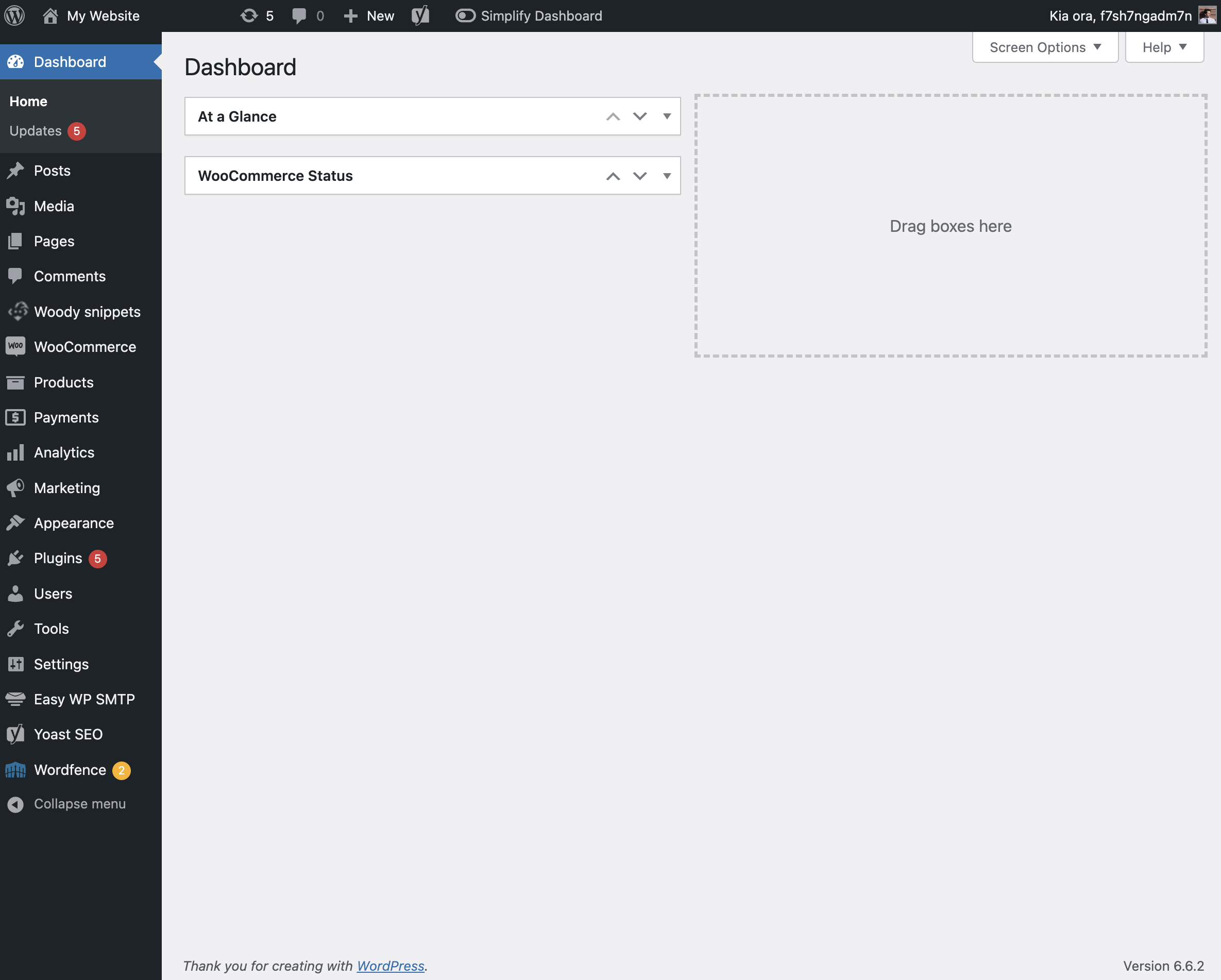
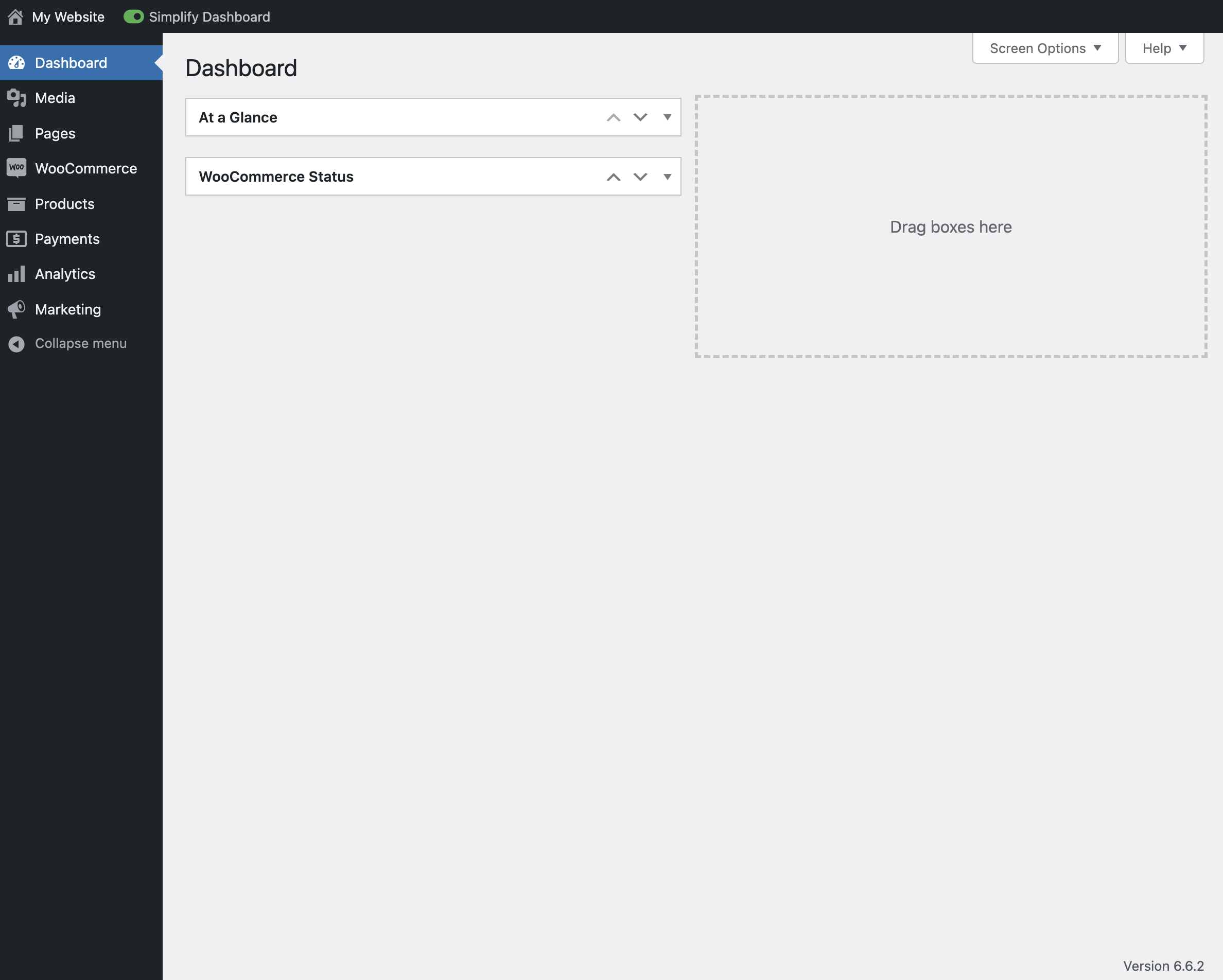
”Simplify Dashboard” adds a toggle in the admin bar to hide menu items you don’t use much.
It gives you a simple interface for your users, and can be quickly turned on or off.
Choose which items are hidden in the Settings>Simplify Dashboard page by writing their menu name, or specify the actual HTML id.
Skärmdumpar

Installation
- Upload the
simplify-dashboardfolder to the/wp-content/plugins/directory. - Activate the plugin through the ’Plugins’ menu in WordPress.
- Once activated, navigate to the Settings page and click on the new submenu ”Simplify Dashboard”.
- Enter the names of the menu items you want to hide. Additionally, choose items to hide in the admin by their element id.
- Turn the Simplify Dashboard toggle to on.
Recensioner
Detta tillägg har inga recensioner.
Bidragsgivare och utvecklare
”Simplify Dashboard” är programvara med öppen källkod. Följande personer har bidragit till detta tillägg.
Bidragande personer
Översätt ”Simplify Dashboard” till ditt språk.
Intresserad av programutveckling?
Läs programkoden, kika på SVN-filförvaret eller prenumerera på utvecklarloggen via RSS.
Ändringslogg
1.1
- Improving code quality.
1.0
- Initial release.