

Beskrivning
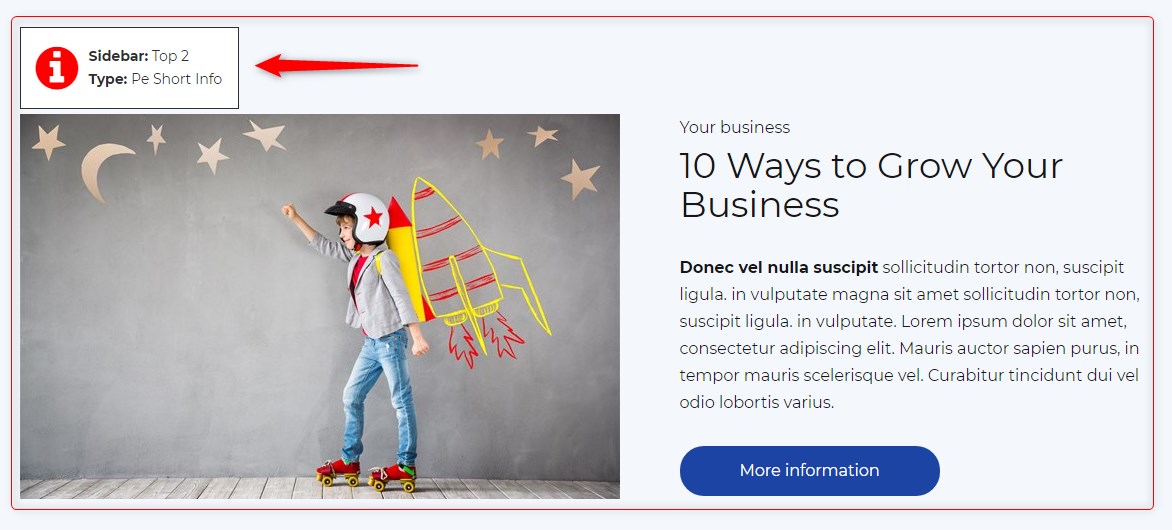
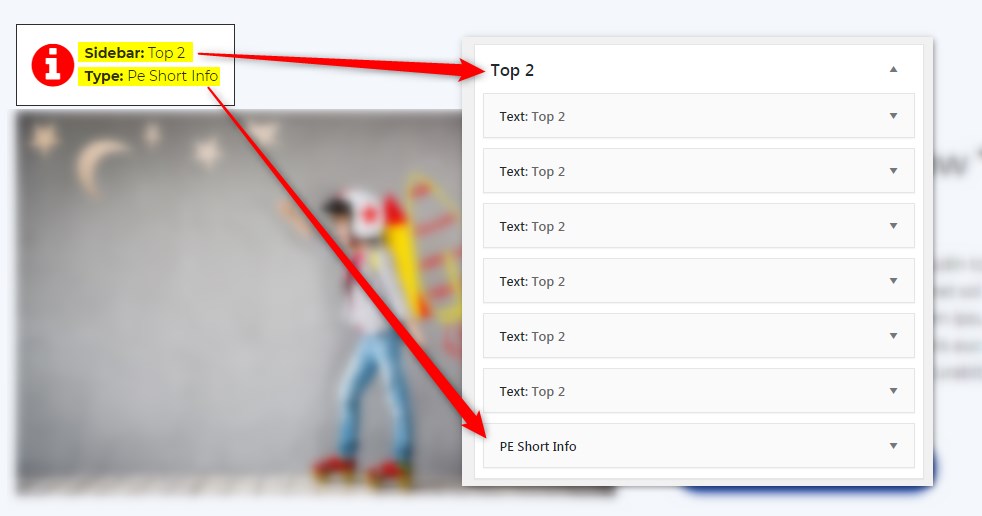
Get info about visible sidebars and widgets types and easily find them in the dashboard in Appearance -> Widgets
Skärmdumpar
Installation
- In your admin panel, go to Plugins -> Add New and click the Upload Plugin button.
- Click Choose File, then select the plugin ZIP file. Click Install Now.
- Click Activate to activate the plugin.
Recensioner
Detta tillägg har inga recensioner.
Bidragsgivare och utvecklare
”PE Theme Elements Info – get info about sidebars and widgets types” är programvara med öppen källkod. Följande personer har bidragit till detta tillägg.
Bidragande personer
Översätt ”PE Theme Elements Info – get info about sidebars and widgets types” till ditt språk.
Intresserad av programutveckling?
Läs programkoden, kika på SVN-filförvaret eller prenumerera på utvecklarloggen via RSS.
Ändringslogg
1.10
- Added information about menus
- Fixed possible incorrect widget names in sidebars
- By default information about widgets or menus on the page will be displayed only for logged-in administrators